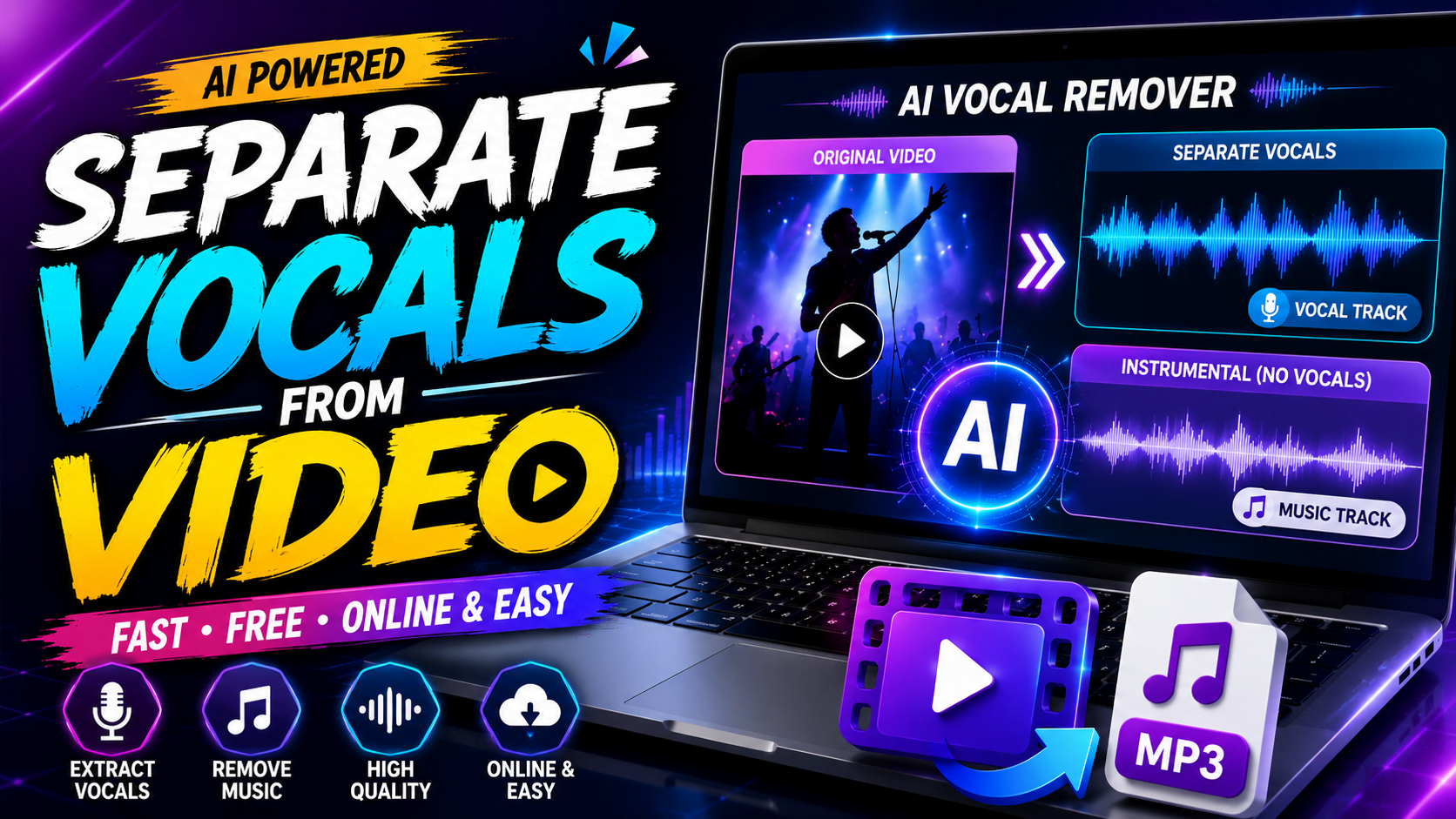
There was a time when removing vocals from a video required expensive software, professional audio engineering skills, and hours of manual editing. If you wanted an instrumental version of a song or needed to isolate someone’s voice from a recording, you often had to rely on complicated digital audio workstations that were difficult for beginners to learn.
Thankfully, that has changed dramatically. Artificial intelligence has transformed audio editing into something anyone can do. Today, modern AI-powered websites can separate vocals from music in just a few minutes without requiring any technical experience. All you need to do is upload a video, wait for the AI to process the audio, and download separate vocal and instrumental tracks.
Whether you’re creating karaoke tracks, editing YouTube videos, producing podcasts, making music remixes, or simply experimenting with audio, AI vocal separation tools have become one of the most useful online resources available. The technology continues to improve every year, producing cleaner audio with fewer distortions than ever before.
In this complete guide, you’ll learn how vocal separation works, why people use it, what makes modern AI tools so effective, and how to achieve the best possible results without spending hours editing audio manually.
What Is Vocal Separation?
Every song or video contains multiple layers of sound playing together at the same time. When you listen to a music video, you’re not hearing just one audio track. Instead, you’re hearing a combination of vocals, guitars, drums, bass, keyboards, sound effects, ambient noise, and sometimes even audience reactions or environmental sounds.
Vocal separation is the process of breaking these mixed sounds into individual components. Instead of hearing everything combined together, AI identifies which frequencies belong to the human voice and which belong to musical instruments. After processing the recording, it creates separate audio files that allow you to keep only the vocals, only the instrumental, or even isolate individual instruments such as drums or bass.
This technology has become incredibly valuable for musicians, content creators, educators, filmmakers, podcasters, and even casual users who simply want to enjoy karaoke versions of their favorite songs.
Unlike traditional editing methods, modern AI doesn’t simply mute certain frequencies. Instead, it studies complex sound patterns using deep learning models trained on millions of professional recordings. That’s why today’s vocal separation tools sound significantly cleaner than software from only a few years ago.
Why More People Are Separating Vocals Than Ever Before
The popularity of AI vocal separation has exploded over the last few years because audio content has become a central part of digital creation. Millions of people now produce YouTube videos, TikTok clips, Instagram Reels, podcasts, online courses, and music covers from home. High-quality audio is no longer optional—it has become one of the biggest factors that determines whether content feels professional.
One of the most common reasons people remove vocals is to create karaoke tracks. Instead of searching for an instrumental version online, users simply upload a song and let AI remove the singer while preserving the music. This is especially useful when instrumental versions are unavailable.
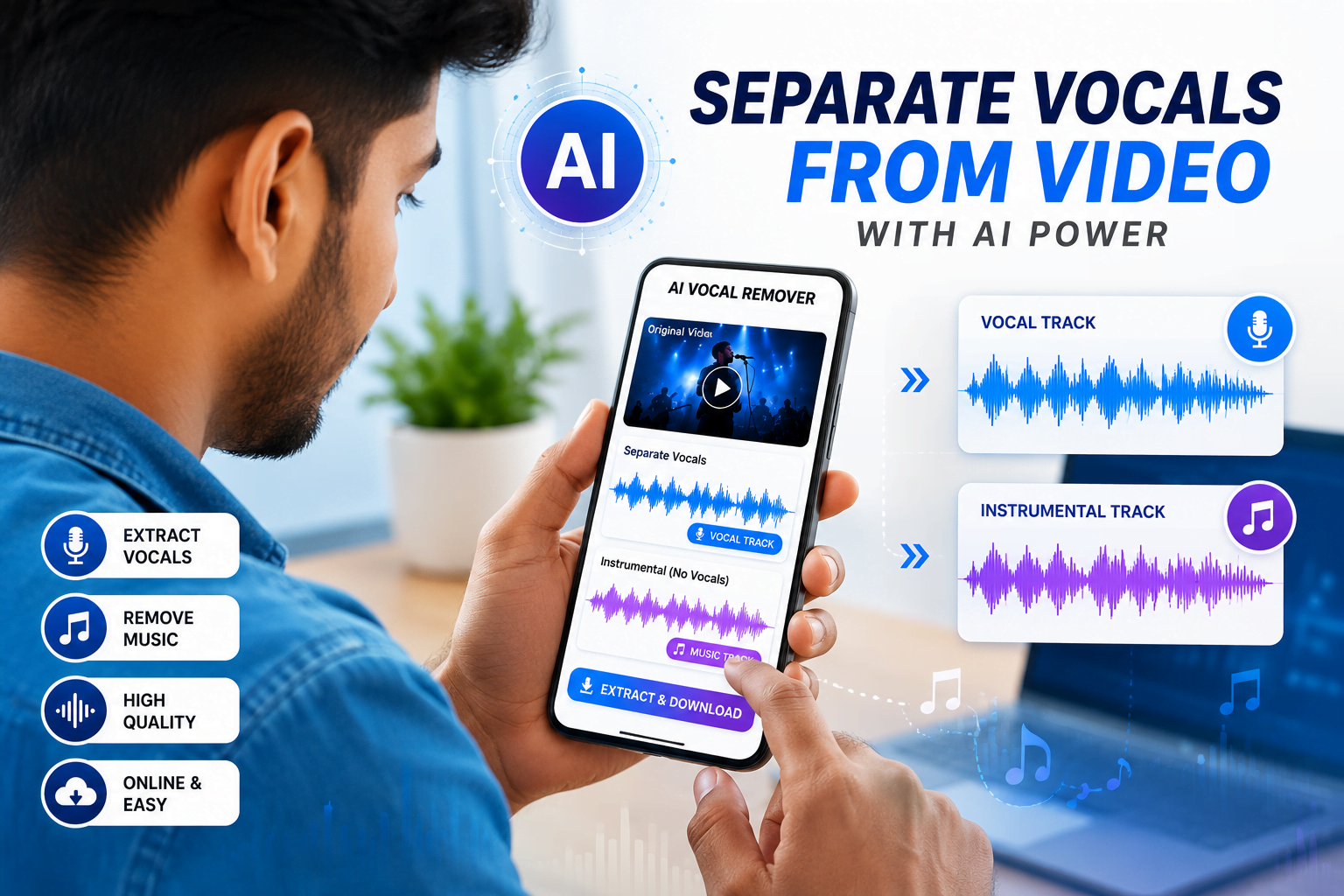
Music producers also rely heavily on vocal separation. Isolated vocal tracks can be remixed into entirely new songs, combined with fresh instrumentals, or sampled for creative projects. AI makes this process significantly faster than manually rebuilding songs from scratch.
Video creators benefit in different ways. Sometimes a recorded video contains background music that’s too loud or distracting. In other situations, creators may want to replace existing music with royalty-free audio while keeping spoken dialogue intact. AI vocal separation allows them to isolate speech, remove unwanted sounds, and produce much cleaner videos.
Teachers and language learners have also discovered practical uses for this technology. By isolating speech from educational videos, students can focus entirely on pronunciation without distractions from background music or sound effects. Podcast editors frequently use similar techniques to improve voice clarity and reduce unnecessary noise.
Even wedding videographers and documentary filmmakers have begun using AI tools to clean recordings made in noisy environments. What once required professional audio restoration can now often be completed through a browser in just a few clicks.
How AI Vocal Separation Actually Works
Although the technology behind AI vocal extraction sounds incredibly advanced, the process is surprisingly straightforward from the user’s perspective.
When you upload a video, the first thing the software does is extract the audio track. Once the sound has been isolated, powerful neural networks begin analyzing every fraction of a second. Rather than simply looking at volume levels, modern AI studies thousands of tiny audio characteristics, including pitch, harmonics, frequency distribution, timing, vocal resonance, and instrument signatures.
The AI has already been trained using millions of professionally recorded songs. During training, it learns what human voices sound like compared to drums, guitars, pianos, orchestras, and electronic instruments. Over time, these models become remarkably good at recognizing each sound independently.
After identifying the different components, the AI reconstructs them into separate audio files. One file may contain only the vocals, while another contains the instrumental version. Some advanced platforms go even further by creating individual stems for drums, bass, guitar, keyboards, strings, and additional instruments.
This entire process usually takes only a minute or two, depending on the size of the uploaded file and the speed of the processing servers.
Why Modern AI Is Better Than Older Vocal Removers
Before artificial intelligence became widely available, vocal removal software relied on a much simpler technique known as phase cancellation. While innovative for its time, this method worked only under very specific conditions. It assumed that vocals were positioned exactly in the center of a stereo recording, which isn’t true for many modern songs.
The results were often disappointing. Instrumentals sounded hollow, vocals weren’t completely removed, and strange robotic artifacts remained throughout the recording.
Today’s AI models approach the problem completely differently. Instead of making assumptions about where vocals are located, they analyze what voices actually sound like. They recognize subtle characteristics that distinguish human speech from musical instruments, allowing much cleaner separation even in complex songs with multiple singers and layered arrangements.
As AI models continue to improve, they’re becoming capable of handling live performances, orchestral recordings, podcasts, interviews, and even noisy smartphone videos with impressive accuracy.
Different Types of Audio Separation
Many people assume vocal removal simply means deleting the singer from a song. In reality, modern AI offers far more flexibility.
The most popular option is instrumental extraction, where vocals are removed while preserving the music. This is commonly used for karaoke and background music.
Another popular option is vocal isolation, which removes instruments while keeping only the singer’s voice. Musicians often use isolated vocals for remixes, vocal analysis, and practice sessions.
More advanced platforms offer stem separation. Instead of generating only two files, they split audio into multiple independent tracks, including drums, bass, piano, guitars, strings, synthesizers, and vocals. Producers can then remix every instrument individually.
Some AI tools even specialize in dialogue isolation. These systems are designed to separate speech from background music and environmental noise, making them ideal for podcasts, interviews, documentaries, and educational content.
Who Can Benefit from AI Vocal Separation?
One of the reasons this technology has become so popular is its versatility. It isn’t designed only for professional musicians.
Content creators use it to improve YouTube videos and online courses. Podcasters remove distracting background sounds from interviews. DJs create custom remixes using isolated vocal tracks. Teachers prepare cleaner educational recordings. Language learners focus on speech without musical distractions. Wedding videographers restore important moments that would otherwise be difficult to hear.
Even casual music fans enjoy experimenting with karaoke versions or listening to songs in completely different ways by hearing only the vocals or only the instruments.
As AI continues to evolve, these tools are becoming easier to use while producing results that were once only possible in professional recording studios.
Best AI Tools to Separate Vocals from Video Online
The popularity of AI-powered vocal separation has led to the launch of dozens of online tools, each claiming to deliver studio-quality results. While many of them work reasonably well, not every platform produces the same level of accuracy. Some prioritize speed, while others focus on preserving audio quality. Choosing the right tool depends on what you’re trying to achieve, whether that’s creating karaoke tracks, editing podcasts, producing remixes, or simply extracting clean dialogue from a video.
After comparing the most popular options available in 2026, several tools consistently stand out because of their balance between quality, ease of use, supported file formats, and processing speed.
LALAL.AI – The Best Choice for Professional Audio Separation
Among all the online vocal separation services available today, LALAL.AI remains one of the strongest options for users who care about audio quality. Instead of simply removing vocals, the platform can separate multiple audio elements individually. Depending on the uploaded file, users can isolate vocals, drums, bass, piano, guitar, synthesizers, and several other instruments.
One of the reasons LALAL.AI has become so popular is that it works directly with video files. You don’t have to extract the audio manually before uploading. Simply upload your MP4, MOV, AVI, or another supported format, and the platform automatically processes everything in the background.
During testing, the service performed exceptionally well on professionally recorded music. Vocals remained clear while the instrumental tracks retained impressive detail. Even songs containing layered harmonies or multiple singers produced clean results compared to many competing services.
Another advantage is processing speed. Most average-length videos finish processing in under two minutes, making it practical for creators working on tight deadlines.
The only downside is that the free version has limited usage. Users who process large numbers of files will eventually need to purchase credits or subscribe to one of the premium plans. However, for professionals who regularly edit audio, the quality improvement often justifies the cost.
Moises AI – Built for Musicians and Singers
Moises has become one of the most recognizable AI music platforms in recent years. Unlike many vocal removal websites that focus on a single task, Moises provides an entire suite of music practice and production tools.
Besides separating vocals from instrumentals, the platform allows users to slow down songs without affecting pitch, detect musical chords automatically, change keys, create practice loops, and isolate individual instruments.
These features make it particularly attractive for musicians learning new songs. Instead of searching for sheet music or karaoke versions, users can upload the original recording and practice with customized backing tracks.
The mobile application is another major strength. Whether using Android or iPhone, creators can process audio directly from their phones without needing a desktop computer. Processing times are generally fast, and the interface is simple enough for beginners.
The free version offers limited monthly processing, but casual users will likely find it sufficient. Those producing music regularly may benefit from upgrading to the premium subscription for unlimited exports and higher-quality processing.
VocalRemover.org – The Best Free Option
Not everyone needs professional-grade software, and that’s where VocalRemover.org becomes an attractive choice. The platform is completely web-based, requires no registration, and can process files within minutes.
Its interface is intentionally simple. Users upload a file, wait for the AI to process the audio, preview the results, and download both the vocal and instrumental versions. There are no complicated settings or technical adjustments to learn.
Although the separation quality isn’t quite as refined as premium services, it performs surprisingly well for casual projects. Karaoke enthusiasts, students, and hobbyists can create usable instrumental tracks without spending any money.
Complex songs containing dense orchestration or multiple vocal layers sometimes leave behind faint vocal traces, but for basic use the platform remains one of the easiest free tools available.
Filmora AI Vocal Remover
Filmora approaches vocal separation differently by integrating AI directly into its video editing software. Instead of switching between multiple applications, creators can remove vocals, edit videos, add subtitles, apply effects, and export finished content from a single timeline.
This workflow is especially useful for YouTubers, educators, and social media creators who already use Filmora for editing.
Another advantage is that once vocals have been separated, users can immediately replace the soundtrack with royalty-free music or improve dialogue clarity using Filmora’s built-in audio enhancement tools.
While advanced features require a paid subscription, creators already using Filmora may find the integrated workflow more efficient than uploading files to separate websites.
Ultimate Vocal Remover (UVR)
Although Ultimate Vocal Remover isn’t an online platform, it deserves mention because many professionals continue using it.
Unlike cloud-based services, UVR runs locally on your computer using open-source AI models. Because everything is processed on your own hardware, users maintain complete control over their files without uploading them to external servers.
The software supports several advanced neural network models capable of producing exceptionally clean separations, especially when paired with a powerful graphics card.
However, beginners should know that installation is more complicated than browser-based alternatives. Users need to download the application, install AI models, and configure certain settings before processing their first file.
For experienced users willing to invest a little extra time, UVR delivers professional-level results without recurring subscription fees.
Step-by-Step Guide to Separate Vocals from Video Online
One of the biggest advantages of AI-powered vocal separation is its simplicity. Even someone with no previous audio editing experience can complete the entire process within a few minutes.
The first step is choosing an AI vocal remover that matches your needs. If audio quality is your highest priority, premium services like LALAL.AI or Moises are excellent choices. If you’re simply experimenting or creating a quick karaoke track, free platforms such as VocalRemover.org are perfectly adequate.
Once you’ve selected a platform, upload your video file. Most websites accept common formats including MP4, MOV, AVI, MKV, MP3, WAV, and several others. After the upload finishes, the AI begins analyzing every part of the recording.
During processing, the software identifies speech, singing, musical instruments, background sounds, and environmental noise. Advanced neural networks classify each audio component before reconstructing separate tracks.
When processing finishes, preview both the vocal and instrumental versions carefully. If the results meet your expectations, simply download the files in your preferred format. Many platforms allow exporting as MP3 or WAV depending on your quality requirements.
The entire workflow usually takes less than five minutes for an average-length video.
Free vs Paid AI Vocal Removal Tools
Many users wonder whether paying for AI vocal separation is actually worthwhile. The answer depends entirely on how often you plan to use the software and how important audio quality is for your projects.
Free tools are excellent for occasional use. They provide quick results, require no financial investment, and work well for basic karaoke tracks or simple experiments. However, they often impose upload limits, slower processing speeds, fewer export options, and lower separation accuracy.
Paid platforms generally offer much cleaner audio because they use larger AI models trained on more extensive datasets. They also support batch processing, higher upload limits, multiple instrument stems, faster cloud servers, and better export quality.
If you’re creating professional YouTube videos, commercial podcasts, music productions, or client work, investing in a premium solution usually saves significant editing time while delivering noticeably better results.
Mobile or Desktop: Which Is Better?
Thanks to cloud-based AI processing, separating vocals has become equally accessible on smartphones and desktop computers.
Mobile apps are ideal for creators working on the move. Whether traveling, attending events, or recording content outdoors, users can upload videos directly from their phones and receive processed audio within minutes.
Desktop computers, however, remain the better choice for larger projects. The larger screen makes reviewing audio easier, file management is more convenient, and exporting multiple files becomes faster.
Professional editors often use mobile devices for quick previews while reserving desktop systems for final production work.
Tips to Get the Best Audio Quality
Even the most advanced AI cannot completely compensate for poor source material. The quality of your original recording plays a major role in determining the final result.
Whenever possible, upload the original video instead of downloading compressed versions from social media platforms. Services like Facebook, Instagram, TikTok, and WhatsApp heavily compress audio, making accurate separation much more difficult.
High-quality WAV files generally produce the best results, followed by high-bitrate MP3 files. Videos recorded with professional microphones also separate much more cleanly than recordings made in noisy environments.
If background noise is particularly strong, consider using an AI noise reduction tool before attempting vocal separation. Cleaner input almost always produces cleaner output.
Another useful habit is comparing results across multiple platforms. Different AI models perform differently depending on the recording. A song that sounds mediocre on one website may separate beautifully on another.
Common Mistakes Beginners Should Avoid
Many first-time users expect AI to produce perfect results every time. While today’s technology is incredibly advanced, no system can completely overcome extremely poor recordings.
Uploading heavily compressed videos is one of the most common mistakes. Low-quality audio contains fewer details, making it harder for AI to distinguish vocals from instruments.
Another mistake is skipping the preview step. Most platforms allow users to listen to processed audio before downloading. Spending a few extra seconds comparing results can prevent unnecessary downloads and frustration.
Some users also assume every AI model performs equally well. In reality, trying two or three different services often leads to significantly better results, especially for difficult recordings.
Can I separate vocals from any video?
Yes, most modern AI tools can separate vocals from almost any video or audio file. However, the final quality depends on the original recording. Studio-quality videos usually produce the cleanest results, while live concerts or heavily compressed videos may contain some leftover vocal artifacts.
What file formats are supported?
Most online vocal remover tools support popular formats such as:
- MP4
- MOV
- AVI
- MKV
- MP3
- WAV
- FLAC
- AAC
- M4A
Some premium services also support larger professional audio formats.
Is vocal separation free?
Many websites offer free vocal separation with certain limitations.
Free plans usually include:
- Limited daily uploads
- Smaller file sizes
- Lower processing priority
- Preview-only downloads
Paid plans generally unlock higher-quality exports, faster processing, and support for larger files.
Which AI vocal remover offers the best quality?
While several excellent options exist, these tools consistently deliver reliable results:
- LALAL.AI – Best overall audio quality
- Moises – Best for musicians
- Filmora – Best for creators editing video
- VocalRemover.org – Best free option
- Ultimate Vocal Remover – Best desktop solution
The ideal choice depends on your workflow, budget, and the type of project you’re working on.
Can AI completely remove vocals?
AI technology has improved dramatically, but no tool is perfect.
Simple studio recordings often produce nearly flawless instrumentals, while songs with heavy effects, multiple singers, or live audience noise may still leave behind faint vocal traces.
Fortunately, every new generation of AI models continues to improve separation quality.
Does removing vocals reduce audio quality?
Some quality loss is unavoidable because the AI is rebuilding separate audio tracks from a mixed recording.
Premium AI models usually preserve far more detail than older algorithms, making the difference almost unnoticeable for most users.
Can I separate other instruments too?
Yes.
Many modern AI tools now support multi-stem separation, allowing users to isolate:
- Drums
- Bass
- Piano
- Guitar
- Strings
- Synth
- Background vocals
This is especially useful for musicians, remix artists, and music producers.
Can I use separated vocals on YouTube?
You should always make sure you have permission to use copyrighted music.
Removing vocals does not remove copyright ownership. Uploading copyrighted songs or instrumentals without authorization may still trigger copyright detection systems on platforms like YouTube, Facebook, Instagram, or TikTok.
If you’re publishing content commercially, use royalty-free music or content you own or are licensed to use.
Enjoy Fast and Accurate Vocal Extraction
Its much easier to extract vocals from video now than ever before. AI has done away with the outdated and ineffective hacks.
| Extract Vocals |
|---|
| Separate Vocals from Video |
| Start Now |
AI-powered vocal separation has become one of the most useful audio technologies available today. Just a few years ago, extracting clean vocals or instrumentals required expensive desktop software and advanced editing skills. Now, anyone can upload a video to an online service and receive separated tracks within minutes.
Whether you’re creating karaoke tracks, editing podcasts, producing remixes, improving educational videos, or simply experimenting with music, today’s AI tools make the entire process faster and more accessible than ever before.
The best part is that you no longer need professional recording equipment or advanced audio engineering knowledge. Most platforms handle the technical work automatically, allowing you to focus on your creative project instead.
Before choosing a tool, think about your priorities. If you only need occasional vocal removal, a free online service may be all you need. If you regularly create professional content, investing in a premium AI platform can save time while delivering noticeably cleaner results.
As artificial intelligence continues to evolve, vocal separation technology will only become faster, more accurate, and capable of handling increasingly complex recordings. For creators, musicians, educators, and video editors, this opens up exciting new possibilities for audio editing without the steep learning curve of traditional software.
Final Verdict
If you’re looking for the easiest way to separate vocals from video online, AI-powered tools are now the clear winner. They offer an excellent balance of speed, accuracy, and ease of use, making professional-quality vocal extraction accessible to everyone.
Choose a trusted platform, start with a high-quality source file, preview the results before downloading, and don’t hesitate to compare multiple tools for the best output. With the right workflow, you can create clean vocals or instrumentals in just a few clicks.
Whether you’re a beginner or an experienced creator, there’s never been a better time to explore AI vocal separation.
Related Articles
- Best AI Video Enhancer Tools
- How to Remove Background Noise from Audio
- Best Free Audio Editing Software
- AI Music Generator Tools Compared
- How to Convert Video to MP3 Without Losing Quality
Thanks for reading! If this guide helped you learn how to separate vocals from video online, consider bookmarking this page for future reference and sharing it with friends or fellow creators who might find it useful.