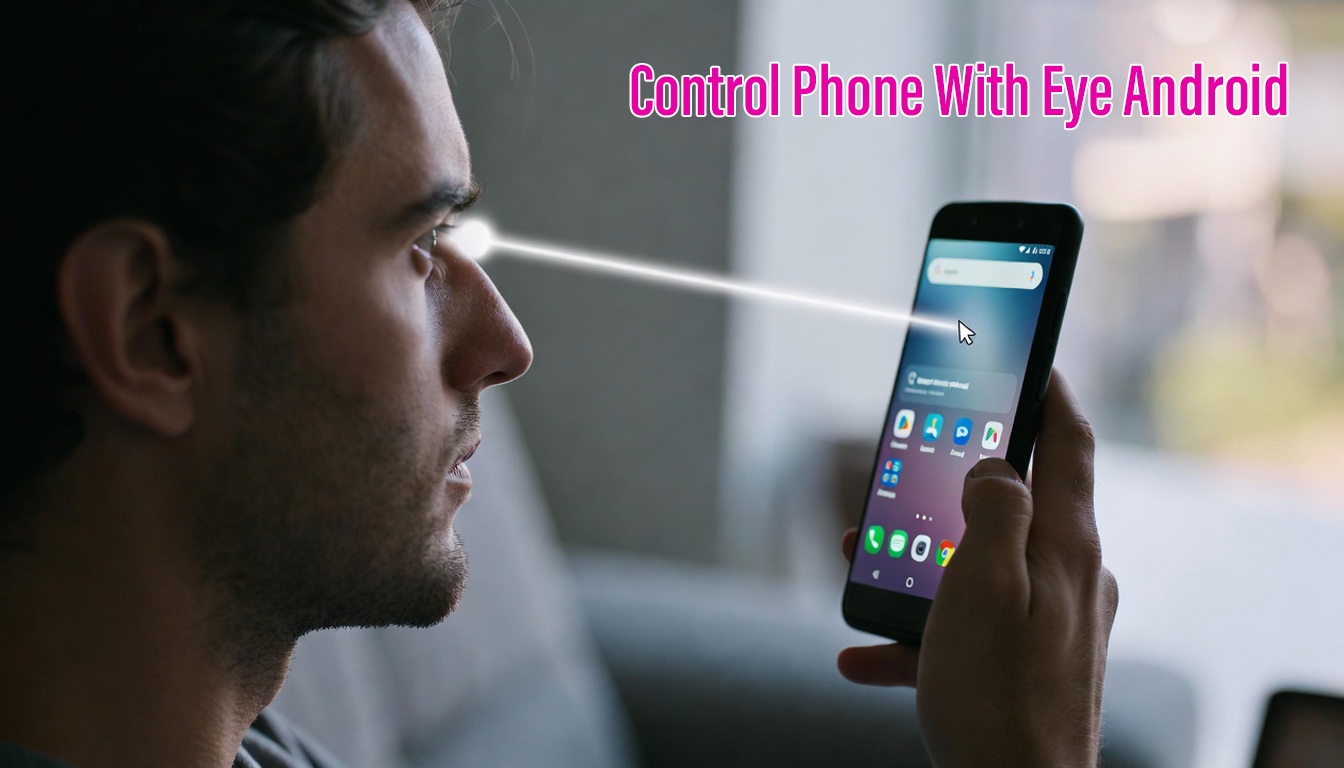
Technology is evolving rapidly, and smartphones are becoming smarter every day. One of the most futuristic and exciting features available today is the ability to control your Android phone with your eyes. This hands-free technology uses eye-tracking algorithms and your phone’s front camera to detect where you are looking and perform actions automatically.
This feature is not only a cool innovation but also a life-changing technology for people with disabilities, limited mobility, or injuries. Even normal users can benefit from this technology when their hands are busy or dirty.
In this detailed guide, you will learn how eye control technology works, the best free apps, how to set it up, benefits, customization options, troubleshooting tips, battery impact, privacy concerns, and the future of eye-tracking on Android.
What Is Eye Control Technology on Android?
Eye control technology allows you to interact with your smartphone using only your eyes. Instead of touching the screen, you can navigate menus, open apps, scroll pages, and type text by simply looking at the screen.
The system uses:
- Front camera
- Artificial Intelligence (AI)
- Machine learning algorithms
- Computer vision technology
These components work together to track your eye movements and convert them into commands.
How Eye-Tracking Technology Works
Eye tracking on Android follows a simple process:
1. Eye Detection
The front camera detects your eyes and face position in real time.
2. Gaze Tracking
AI algorithms analyze the direction of your eyes and calculate where you are looking on the screen.
3. Action Execution
The system performs an action such as clicking, scrolling, or typing based on your gaze.
For example, when you look at an app icon for a few seconds, the phone can automatically open it.
Evolution of Accessibility Features on Android
Android has always focused on accessibility. Over the years, Google has introduced many features to help users with disabilities, including:
- TalkBack (screen reader)
- Voice Access
- Switch Access
- Magnification gestures
- Hearing aid support
Eye-tracking is the next big step in accessibility, allowing people with severe physical disabilities to use smartphones independently.
Benefits of Controlling Your Phone With Eyes
Eye control technology offers many advantages for both disabled and normal users.
Accessibility for Users With Disabilities
For people with paralysis, spinal injuries, or muscular disorders, using a touchscreen can be impossible. Eye control allows them to:
- Make calls
- Send messages
- Browse the internet
- Use social media
- Control smart home devices
This technology gives them independence and improves quality of life.
Hands-Free Convenience
You can use your phone without touching it when:
- Cooking
- Driving
- Eating
- Wearing gloves
- Your hands are dirty
This is extremely useful in real-life situations.
Futuristic Smart Interaction
Eye tracking makes smartphones feel futuristic and intelligent. It is similar to technology used in VR headsets, smart glasses, and high-end gaming devices.
Free Ways to Control Phone With Eyes on Android
There are two main ways to control your phone with eyes for free:
- Built-in Android accessibility features
- Third-party free eye-tracking apps
Android Built-in Accessibility Features
Android includes several built-in tools that help users control their phones hands-free.
Switch Access
Switch Access allows users to control their device using external switches or gestures. Some advanced versions support camera-based controls.
Voice Access
Voice Access lets you control your phone using voice commands like:
- Open YouTube
- Scroll down
- Tap settings
Although it is not eye tracking, it works perfectly with hands-free control.
Lookout App by Google
Lookout uses the camera to help visually impaired users identify objects, text, and surroundings. It is not full eye control but part of accessibility tools.
Best Free Eye Control Apps for Android
Here are some popular free eye-tracking apps for Android:
| App Name | Features | Compatibility |
|---|---|---|
| EyeTell | Eye navigation, gestures, cursor control | Android 8.0+ |
| GazeSpeak | Eye-based communication tool | Android 7.0+ |
| Camera Mouse | Head and eye cursor tracking | Android 6.0+ |
| EyeCursor | Gaze-based cursor control | Android 8.0+ |
| Lookout | AI camera-based assistance | Android 8.0+ |
These apps use your phone camera to track eye movements and control the device.
Device Requirements for Eye Control
Not all phones support advanced eye tracking perfectly. You need:
- Front-facing camera (HD recommended)
- Android 7.0 or higher
- Good lighting conditions
- Decent processor (Snapdragon, MediaTek, etc.)
High-end phones provide better accuracy, but budget phones can also work.
How to Set Up Eye Control on Android (Step-by-Step)
Step 1: Install an Eye Control App
Go to Google Play Store and search:
- Eye Tracking
- Eye Control
- Hands-Free Control
Install a trusted free app.
Step 2: Grant Required Permissions
The app will ask for:
- Camera access
- Accessibility permission
- Overlay permission
These are necessary for eye tracking to work.
Step 3: Calibrate Your Eyes
Calibration is very important. The app will show dots on the screen, and you must look at them. This helps the system learn your eye movements.
Step 4: Start Using Eye Control
After calibration, you can start navigating your phone with your eyes.
How to Use Eye-Controlled Navigation
Basic Eye Gestures
- Look at an app icon to open it
- Focus on a button to tap
- Look at top or bottom to scroll
- Blink to confirm actions (in some apps)
Eye Typing Methods
Typing with eyes is possible using special keyboards.
| Method | Description |
|---|---|
| Eye Keyboard | Look at letters to type |
| Voice to Text | Speak instead of typing |
| Quick Phrases | Select preset messages |
Customizing Eye Control Settings
Customization improves accuracy and comfort.
Adjust Sensitivity
You can increase or decrease sensitivity based on your eye movement speed.
Set Dwell Time
Dwell time means how long you need to look at something to select it.
For example:
- 1 second = fast
- 3 seconds = accurate
Create Custom Commands
Some apps allow you to assign actions like:
- Open camera
- Call contacts
- Launch YouTube
- Scroll pages
Just by looking at specific screen areas.
Troubleshooting Common Eye Control Issues
Eye tracking is advanced technology but not perfect. Here are common problems and solutions.
Lighting Problems
Problem: Eye tracking not working correctly
Solution:
- Use normal indoor lighting
- Avoid direct sunlight
- Avoid dark rooms
Calibration Errors
Problem: Cursor moves incorrectly
Solution:
- Recalibrate eyes
- Keep your face steady
- Clean camera lens
Performance Issues
Problem: Phone slow or lagging
Solution:
- Close background apps
- Use a lighter eye control app
- Reduce screen resolution
Battery Drain
Eye tracking uses the camera continuously, which consumes battery.
Battery Comparison Table
| Feature | Battery Life |
|---|---|
| Eye Tracking Enabled | 7–9 hours |
| Eye Tracking Disabled | 11–14 hours |
Privacy and Security Considerations
Eye control apps require camera access. This means:
- Your camera is always active
- Some apps may collect usage data
Safety Tips
- Install apps only from Google Play
- Read privacy policy
- Avoid unknown APK files
- Disable eye tracking when not needed
Practical Uses of Eye Control Technology
Eye control is not only for disabled users. It has many practical uses.
Driving
You can answer calls or change music without touching your phone.
Cooking
Hands dirty? Control your phone without touching it.
Smart Home Control
Use your eyes to control smart lights, TV, and IoT devices.
Gaming and VR
Eye tracking is widely used in VR and gaming industries for immersive experiences.
Advantages and Disadvantages
Advantages
- Hands-free control
- Accessibility for disabled users
- Futuristic technology
- Increased productivity
Disadvantages
- High battery consumption
- Requires good lighting
- Not 100% accurate
- Privacy concerns
Future of Eye Control on Android
Eye tracking is still developing. In the future, we may see:
- Built-in eye control in Android OS
- Eye-controlled smartphones without touchscreens
- Integration with AR glasses and VR devices
- AI-powered gaze-based typing
- Smart homes controlled by eye movement
Big tech companies like Google, Apple, and Samsung are investing heavily in eye-tracking technology.
| New |
|---|
| Control Phone With Eyes |
| Tricks |
Frequently Asked Questions (FAQ)
Can I control my Android phone with eyes for free?
Yes, you can use free eye-tracking apps and built-in accessibility features.
Do I need extra hardware?
No, most apps use your phone’s front camera.
Is eye tracking accurate?
Accuracy depends on lighting, camera quality, and calibration.
Is it safe to use?
Yes, but only install trusted apps and check privacy policies.
Does it drain battery?
Yes, eye tracking consumes more battery than normal usage.
Controlling your Android phone with your eyes is no longer science fiction. With free apps and built-in accessibility tools, anyone can experience hands-free smartphone control. This technology is especially helpful for disabled users, but normal users can also enjoy futuristic interaction.
If you want a smart and modern way to use your smartphone, try eye control apps today and explore the future of mobile technology.