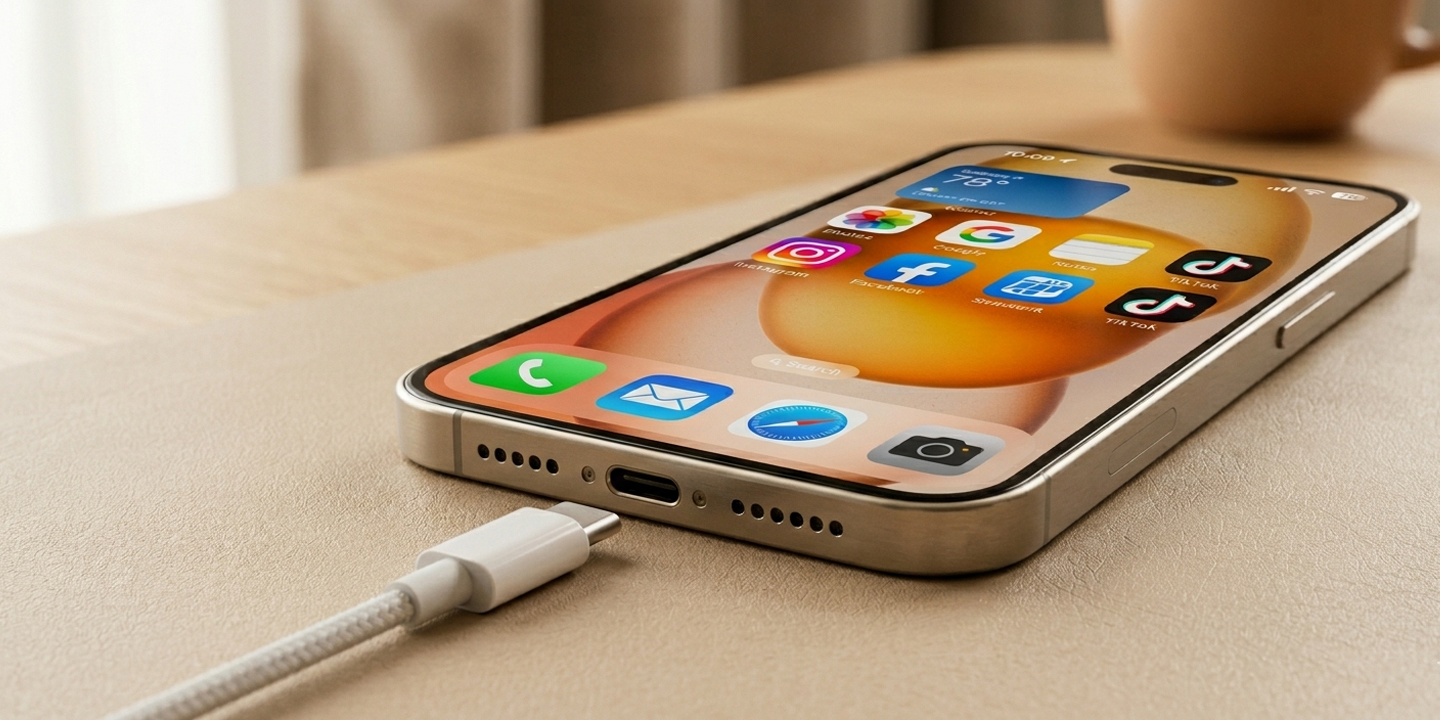
Most people plug in their phone at night and let it charge all the way to 100% without thinking twice. It feels logical—full battery means longer usage, right? But in reality, this common habit is slowly damaging your phone’s battery. Modern smartphones use lithium-ion batteries, and these batteries wear out faster when they stay at 100% for long periods or drop to 0% frequently.
The good news is that your phone already has built-in features designed to protect battery health—you just need to turn them on. If you plan to use your phone for more than two years, making a small change in how you charge can make a big difference in battery lifespan.
For iPhone users, Apple provides useful options like Optimized Battery Charging. You can find it in Settings under Battery and then Charging. Once enabled, your phone learns your daily routine and stops charging at around 80%, only completing the charge shortly before you usually unplug it. This is especially helpful for overnight charging. There’s also a Charge Limit option, which lets you manually cap charging at levels like 80%, 85%, or 90% to reduce long-term battery stress.
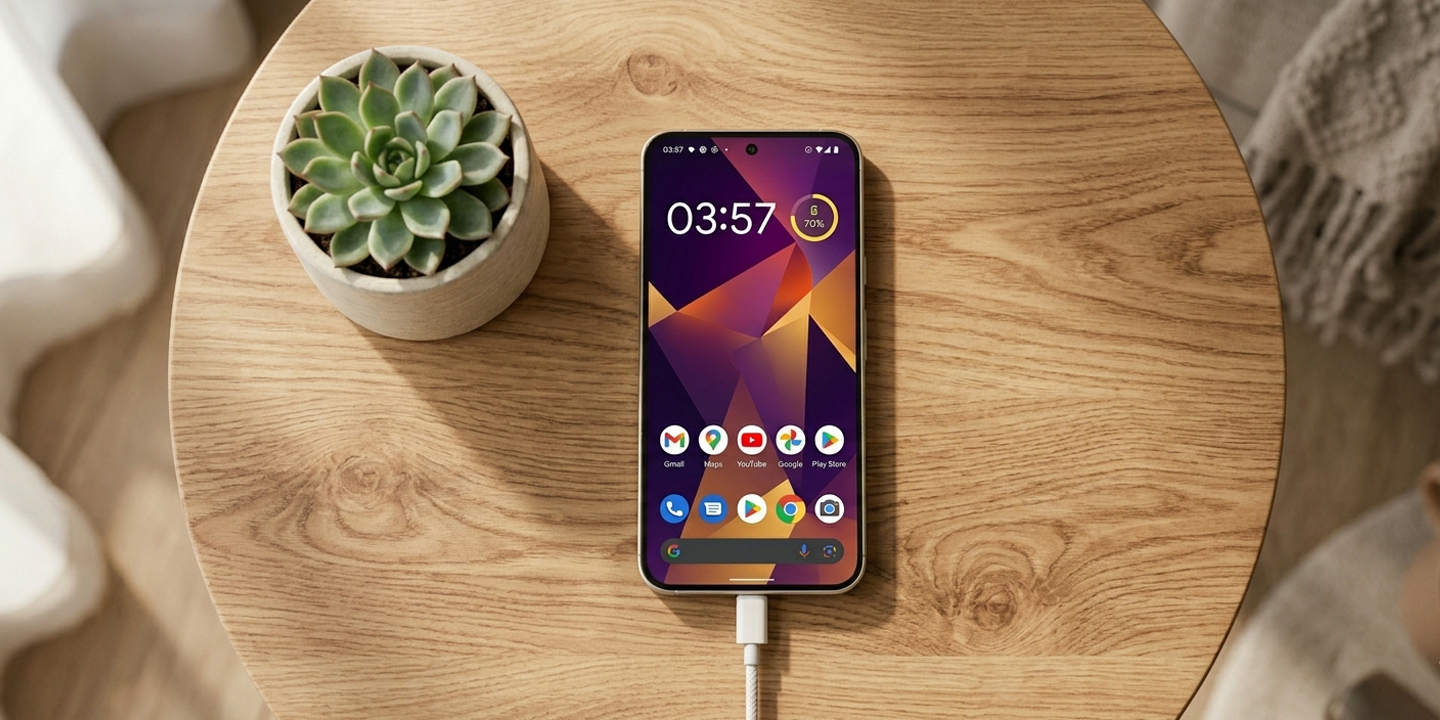
On Android devices, similar features are available, although the names may vary. For example, Samsung phones include a “Protect Battery” option that limits charging to 85%. Meanwhile, Google Pixel devices offer “Adaptive Charging,” which works similarly by delaying full charging until you need the phone.
Other Android brands also include battery protection features, even if they use different names. You can usually find them by going to Settings and checking the Battery section for options like charging limits, battery protection, or optimized charging.
The idea behind all these features is simple: reduce the amount of time your battery stays at full charge. This helps slow down battery degradation and keeps your phone performing better over time.
In the end, you don’t have to stop charging your phone overnight—you just need to do it smarter. By enabling these built-in settings or limiting your charge to around 80–90%, you can significantly extend your battery’s lifespan without changing your daily routine too much.
What about you?
Do you still charge your phone to 100%, or have you started using battery protection features?